Someone Swapped the Menu: A QR Sticker Audit for Small UK Venues
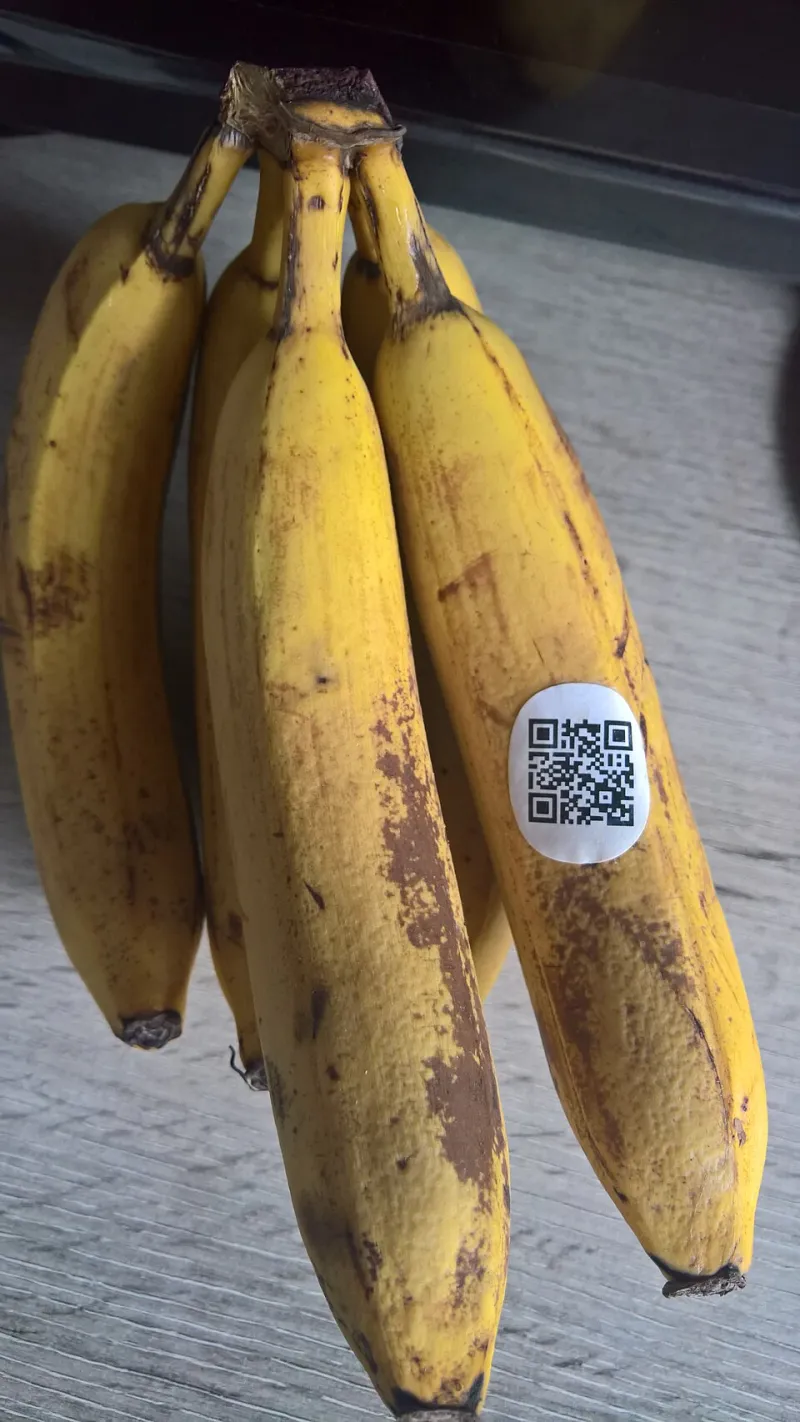
Photo: Donald Trung Quoc Don (Chữ Hán: 徵國單) - Wikimedia Commons - © CC BY-SA 4.0 International.(Want to use this image?)Original publication 📤: --Donald Trung 『徵國單』 (No Fake News 💬) (WikiProject Numismatics 💴) (Articles 📚) 20:36, 19 April 2021 (UTC), CC B
A QR code on a table is one of those things nobody really looks at. It’s laminated, slightly sticky, and it does the job. That’s exactly why it’s useful to someone with a printer, a sheet of sticky labels and a few minutes unattended in your seating area.
The trick isn’t complicated. A fraudster prints a QR code that points to a convincing copy of your menu, booking form or payment page. They stick it over the real code. Customers scan it, see something that looks roughly right, and type in details or tap a payment link. By the time anyone notices, the sticker has been there for a week and the trail has gone cold.
For a small UK café, dental practice, physio clinic or pop-up market stall, this is a physical security problem before it’s a cyber problem. The fix starts with a walk round the room, not a firewall rule.
Why a laminated menu is a security control
Most small venues treat printed QR codes as marketing collateral. They get designed once, printed in bulk, and replaced when they look tatty. Nobody owns them in the way they own the till or the key safe.
That’s the gap. If nobody knows which codes are official, which supplier printed them, and who is allowed to stick a new one on a table, then anyone with a label printer can join the menu rotation.
The good news is that the check is cheap. You don’t need a security team. You need twenty minutes, a phone, and a member of staff who is allowed to say “take that off” without waiting for a manager.
The twenty-minute walk-round
Start at the front door and work through every area a customer can reach. That includes tables, counters, waiting areas, window decals, appointment cards, till-point signs and any laminated sheet handed over at reception.
For each QR code, do four things:
- Look at the edges. A sticker placed over a real code often sits slightly proud, has a visible border, or bubbles at one corner. Run a thumb over it. If it lifts, stop.
- Preview the destination without opening it. Use your phone camera to bring up the link preview. Check the domain before you tap. If the code points to a URL shortener you don’t recognise, treat it as suspicious.
- Compare it with the master copy. Keep one approved PDF or image of every official code in a shared folder. If the code on the table doesn’t match the master, it comes off.
- Check the surroundings. Look for handwritten additions, small printed strips stuck to the bottom of a sign, or a second code that nobody remembers ordering. A clinic waiting room with three QR codes for one booking system is a red flag.
If a code fails any of those checks, don’t scan it again with a logged-in account. Take a photo, remove the sticker carefully if you can, and put it in an envelope. Then follow your escalation step below.
What good looks like on paper
A one-page QR code policy sounds like overkill for a café with six tables. It isn’t. It’s the difference between a staff member making a judgement call and a staff member knowing exactly what to do.
Keep it short. It needs to say who can order, print and place QR codes. Name a role, not a person, so it survives a staff change. Require a supplier to provide the final destination URL in writing. Log every code you display: what it’s for, where it lives, the date it went up, and who approved it. Store the master copies in one folder that at least two people can access.
Then add the rule that matters most: no QR code goes on a table, counter or window unless it has been checked against the master copy by someone authorised to do so. That includes replacement stickers from a supplier. Especially replacement stickers from a supplier.
Staff escalation in plain English
Front-of-house staff shouldn’t be asked to investigate phishing. They should be asked to notice and hand over.
Give them a simple script: thank the customer, take the code out of use, and tell the duty manager. If a customer says they scanned a code and ended up somewhere odd, write down the time, the table, and what they saw. Don’t ask them to scan it again. Don’t promise it’s fine.
The duty manager should photograph the code, remove it, check the master copy, and replace it with a known-good version. If the code was definitely not yours, report it. In the UK, phishing URLs can be reported to the NCSC’s Suspicious Email Reporting Service, and payment fraud should go to Action Fraud. If customer details may have been captured, take advice early rather than hoping it blows over.
The bit nobody wants to write
A QR sticker is a tiny piece of physical access. Treat it like a key. If you wouldn’t let a random supplier stick a new lock on your back door, don’t let them stick a new code on your table.
Do a full sweep once a quarter and a quick spot-check every month. New sticker? Check it before it goes out. Old sticker looking tired? Replace it from the master copy, not from a spare label someone found in a drawer.
Twenty minutes now is a lot cheaper than a week of customers paying the wrong café.